


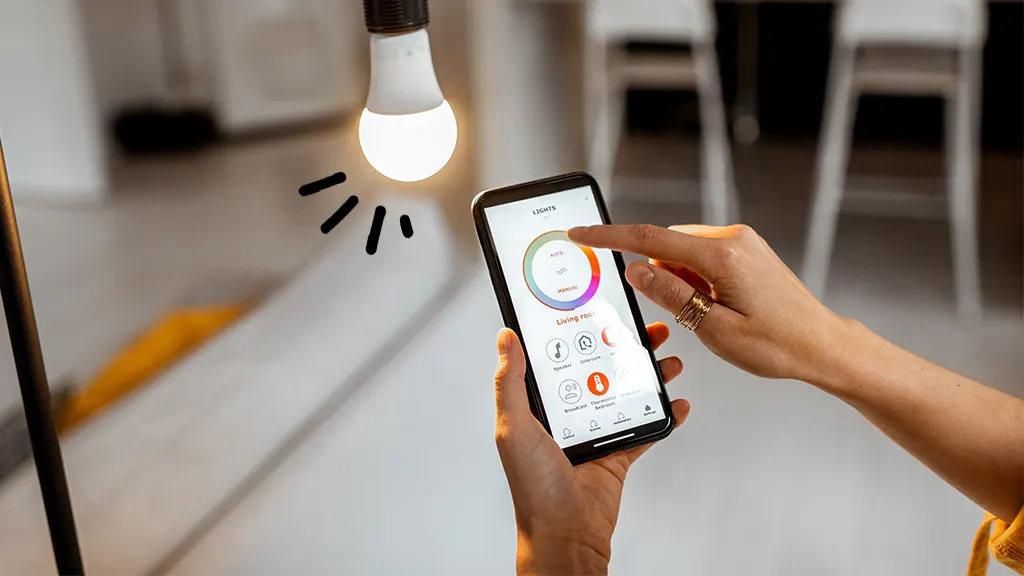
Smart devices are rapidly entering our daily lives, turning ordinary homes into control centers with intelligent functions. However, initial setup of such equipment often becomes a complex task for users accustomed to ordinary appliances. Proper adherence to the manual is critically important for successful connection and use of all capabilities of the smart ecosystem. The learning curve is steeper than with traditional appliances but yields proportionally greater benefits.
Preparing for Smart Device Setup
Before starting setup, make sure you have everything needed. First, it’s a stable Wi-Fi connection, preferably at 2.4 GHz, as many smart devices don’t support 5 GHz. You’ll also need a smartphone or tablet to install the manufacturer’s official application. Check the operating system version — devices that are too old may be incompatible with new applications. Prepare the Wi-Fi password and stable power for the device being configured.
The initial setup process usually begins with creating an account in the manufacturer’s ecosystem. This can be Samsung SmartThings, Xiaomi Home, Apple HomeKit, or another platform. Visit manualmachine.com to find specific action algorithms for each device, taking into account the features of the specific model. Follow instructions in the order they are given — attempts to speed up the process by skipping steps usually lead to the need to start over from scratch, wasting more time than was saved in the rush.
Typical Errors During First Launch
Typical errors when setting up smart equipment are associated with careless reading of the manual. Users skip important activation steps, incorrectly position the device during pairing, use inappropriate Wi-Fi networks. Another common problem is trying to simultaneously set up multiple devices, which overloads the router and leads to failures. Configure each device separately, making sure the previous one works stably before moving on.
After completing basic setup, study the manual section on extended functions. Many users limit themselves to minimum capabilities, although modern smart equipment offers dozens of automation scenarios. Creating device groups, configuring schedules, integrating with voice assistants — all this is described in detail in the documentation. Time spent studying these sections pays off many times with daily use convenience and energy savings through intelligent management.